 blog
Best App for Medication Reminders: 2026 Guide
Table of Contents
- What to Look for in the Best App for Medication Reminders
- Free Medication Reminder Apps: What You Get Without Paying
- Medication Reminder App for iPhone: Key Features to Expect
- Medication Reminder App for Android: What Works Best
- Medication Refill Reminders and Prescription Management
- Caregiver Features and Shared Medication Management
- Pricing Breakdown: Free vs Subscription Medication Reminder Apps
- Frequently Asked Questions
Last Updated: October 5, 2026
What to Look for in the Best App for Medication Reminders
The best app for medication reminders delivers reliable alerts, confirms every dose, and keeps your health data private. Missed doses are not a minor inconvenience, for people managing chronic conditions, they can mean hospital admissions and worse outcomes.
Most medication reminder apps look identical on the app store page. The differences show up in three places: how alerts behave when your phone is locked or on silent, how the app handles your health data, and whether it works the same on iPhone and Android.
Here is what separates a dependable medication tracker from one you abandon after two weeks.
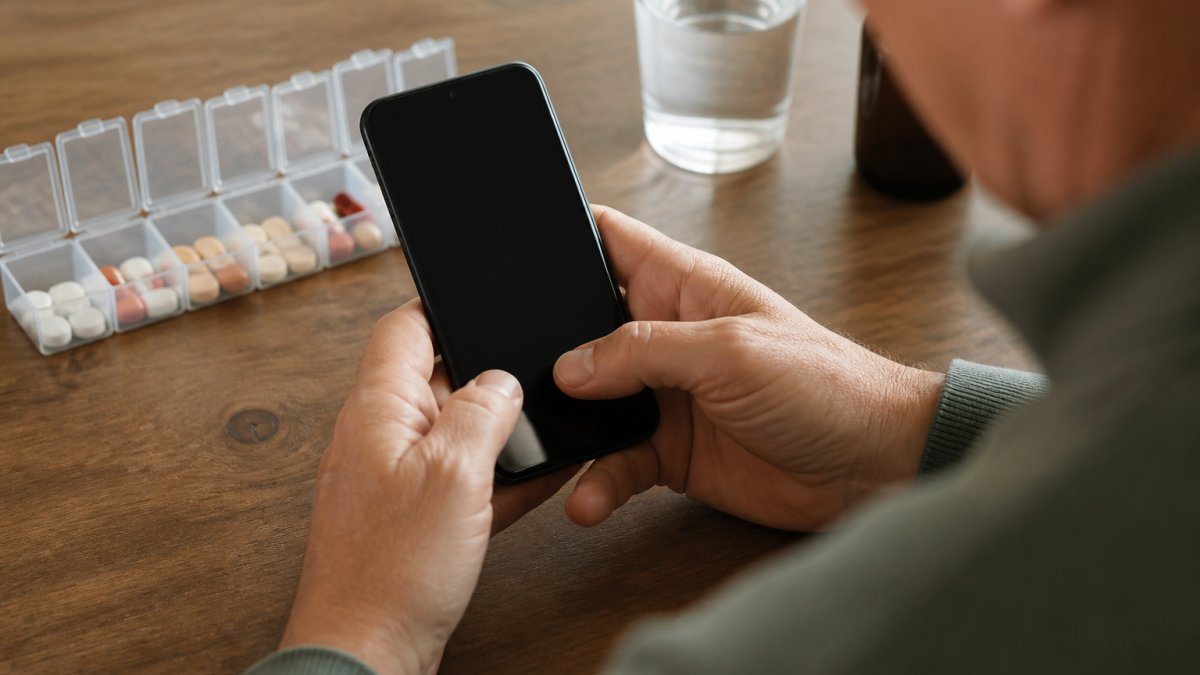
Reliable Alerts and Dose Confirmation
A reliable alert reaches you even when your phone is on silent, in battery-saver mode, or face-down on a desk. Many apps fail here: notifications get buried under social media alerts, or stop firing after the operating system kills background processes.
Look for these alert features:
- Persistent notifications that stay on screen until you act
- Custom sounds that override silent mode for critical doses
- Snooze and dose confirmation, so you log a dose as taken or skipped
- Escalating reminders for missed doses
- Smartwatch and hands-free support for doses you take on the move
The confirmation step matters more than people realize. An app that only reminds you leaves no record; one that asks "did you take this?" builds a dose log you can show a doctor.
Privacy and Health Data Handling
Health data is among the most sensitive information on your phone. A medication list reveals your conditions, prescriptions, and sometimes your mental health history.
Before committing to any app, check three things: whether it encrypts data in transit and at rest, whether it sells or shares data with advertisers, and whether it lets you export or delete everything. Ad-funded apps have an obvious conflict of interest here; subscription-funded apps generally do not.
The U.S. Federal Trade Commission's guidance on health privacy is a useful starting point for understanding what protections you should expect. The Office of the National Coordinator for Health IT also publishes plain-language material on consumer health data rights.
Free Medication Reminder Apps: What You Get Without Paying
Free medication reminder apps cover the basics well: a medication list, recurring reminders, and simple dose logging. What they restrict is everything that makes the app useful long-term.
Common free-tier limits include:
- A cap on the number of medications you can track
- No caregiver or family sharing
- No health diary, symptom tracking, or vital-sign logging
- Advertisements between screens
- No data export or medical report generation
For one or two short-term prescriptions, a free app is often enough. For anyone managing multiple medications long-term, or tracking blood pressure and blood glucose alongside them, the free tier runs out fast.
Medication Reminder App for iPhone: Key Features to Expect
A medication reminder app for iPhone should take full advantage of iOS notification controls, Health app integration, and Siri shortcuts. Apple's health framework supports medication logging, and the best third-party apps sync with it rather than duplicating it.
Features worth expecting on iOS:
- Time-sensitive notifications that break through Focus modes
- Live Activities showing your next dose on the lock screen
- Apple Health integration for medication records
- Apple Watch reminders with haptic alerts
- Siri voice commands for logging a dose hands-free
The Focus mode breakthrough is the single most important iOS feature. Without it, a reminder scheduled during a work meeting or sleep window may never surface. Apple documents how time-sensitive alerts work in its iOS notification documentation.
Medication Reminder App for Android: What Works Best
Android rewards apps that handle battery optimization correctly. This is where most medication reminder apps for Android fall apart.
Android aggressively manages background processes to save battery. An app that does not request exemption from battery optimization will have its alarms delayed or dropped entirely, a reminder that fires two hours late, or never.
What to look for on Android:
- Explicit battery optimization exemption request during setup
- Alarm-style notifications, not standard push notifications
- Full-screen intent alerts for critical doses
- Widget support for at-a-glance dose schedules
- Wear OS support for smartwatch reminders
Google publishes guidance on Android battery optimization and alarms that explains why standard notifications are unreliable for time-critical reminders.
Medication Refill Reminders and Prescription Management
Medication refill reminders prevent the most avoidable kind of missed dose: running out of pills. A good app tracks your supply count and warns you days before you run out, not the morning you take your last tablet.
Prescription management features to prioritize:
- Supply countdown based on doses taken, not calendar days
- Refill alerts timed to your pharmacy's turnaround
- Prescription list with dosage, prescriber, and pharmacy details
- Drug interaction checker for people on multiple medications
- Exportable medication history for appointments
The supply countdown is the feature most apps get wrong. If you skip a dose, a calendar-based reminder becomes inaccurate; a dose-based countdown stays correct.
| Feature | What It Does | Why It Matters |
|---|---|---|
| Supply countdown | Tracks pills remaining | Prevents running out |
| Refill alert | Warns before you run out | Accounts for pharmacy lead time |
| Prescription list | Stores dosage and prescriber | Speeds up appointments |
| Interaction checker | Flags risky combinations | Reduces adverse reactions |
| History export | Shares records with clinicians | Improves continuity of care |
Caregiver Features and Shared Medication Management
Caregiver features turn a personal reminder app into a shared care tool, the category most apps neglect, and the one families need most. What actually matters is who can see what, who can change what, and what happens when the person receiving care has not consented to being monitored.
The permission model is the feature. A caregiver system is only as good as its access controls. Look for an app that lets you define roles rather than giving everyone full access. A typical useful model looks like this:
| Role | Can view logs | Can receive missed-dose alerts | Can edit schedules | Can invite others |
|---|---|---|---|---|
| Primary caregiver | Yes | Yes | Yes | Yes |
| Secondary caregiver | Yes | Yes | No | No |
| Family observer | Yes | No | No | No |
| Emergency contact | Limited | Yes (critical only) | No | No |
Not every app offers this granularity. Some give every caregiver full control, which creates problems: a well-meaning relative changes a dose, or someone sees a medication they were not meant to know about. Before inviting anyone, check whether the app supports role-based permissions or only a single shared login.
Consent is not optional. If you manage care for an aging parent or an adult with a cognitive condition, the ethical and legal picture matters.
What shared management should actually do. A caregiver notification system should let you:
- Manage medications on behalf of a parent or child, with a clear audit trail of who changed what
- Receive an alert when a dose is missed, with escalation if no one responds
- View adherence history remotely, so you can spot patterns rather than react to single events
- Share health updates with other family members without giving them edit access
- Set quiet hours so alerts do not fire at 3 a.m. unless the dose is critical
The reliability question. Caregiver alerts are only useful if they arrive. The same notification issues that affect the primary user, battery optimization on Android, Focus modes on iOS, also affect the caregiver's device. If the caregiver's phone silences the alert, the system has failed. Test the alert path before you rely on it.
Where this fits in daily life. For anyone coordinating a parent's medical appointments alongside their own family's schedule, this shared visibility is the difference between calm and chaos. LifeKeep provides a centralized, intuitive platform designed to help you stay on top of life's essential tasks.
Pricing Breakdown: Free vs Subscription Medication Reminder Apps
Pricing for medication reminder apps follows a predictable pattern, but the details matter more than the headline number. Most apps use a freemium model: a free tier covering basic reminders, and a subscription unlocking the features people need for long-term adherence. The gap between those tiers is where most users get surprised.
Here is what typically sits on each side of the paywall, based on how the major apps structure their plans:
| Feature | Free Tier | Subscription Tier |
|---|---|---|
| Medications tracked | Often capped (e.g., 3-5) | Unlimited |
| Recurring reminders | Yes | Yes |
| Dose logging | Basic (taken/skipped) | Full history and notes |
| Caregiver sharing | Rarely included | Usually included |
| Health diary / symptom tracking | No | Yes |
| Vital-sign logging | No | Yes |
| Medical report export | No | Yes |
| Ad-free experience | No (ads shown) | Yes |
| Data backup / sync | Limited or none | Full |
| Priority support | No | Often yes |
What "free" really costs you. Free tiers are not charity. Apps supported by advertising monetize through impressions and, in some cases, data. The U.S. Federal Trade Commission's guidance on health privacy explains what protections you should expect.
What subscriptions actually buy. The paid tier is not just "more features", it is the features that make the app useful past the first month: unlimited medications, caregiver access, exportable reports for appointments, and an ad-free interface. For one short-term antibiotic, the free tier is genuinely enough.
Platform restrictions to check. Some apps offer full features on iOS but a reduced set on Android, or vice versa. Wearable support (Apple Watch, Wear OS) is sometimes a separate add-on.
How to evaluate cost honestly. We do not publish specific price figures because pricing changes and varies by region and plan; check the app's website for current pricing. Evaluate cost against the alternative: a missed dose leading to an urgent-care visit or hospital admission costs far more than any annual subscription.
Frequently Asked Questions
Is there an app that reminds you when to take medication?
Yes, many apps send dose notifications at scheduled times. The best app for medication reminders will offer customizable alerts, snooze options, and dose confirmation so you can log that you have taken your medication. Look for apps that support recurring reminders for multiple medications and work reliably on your phone's operating system.
What is the best completely free reminder app?
Several free medication reminder apps exist, but features vary. Free versions often include basic scheduling and alerts, while advanced features like caregiver notifications, health diary tracking, or refill reminders may require a subscription. Check what each free tier includes before committing, and consider whether you need premium features for your specific medication regimen.
How do I set a medication reminder on my phone?
You can use your phone's built-in calendar or alarm, but dedicated medication reminder apps offer more flexibility. Download an app, enter your medication name, dose, and schedule, then set your preferred notification style. Many apps let you add multiple medications, set recurring reminders, and track adherence over time. Test the alerts to ensure they are noticeable enough for your routine.
Can medication reminder apps track whether I have taken a dose?
Yes, most medication tracker apps include a dose log or confirmation button. You mark each dose as taken, skipped, or snoozed, creating a medication history you can review or share with your doctor. This adherence tracking helps you and your healthcare provider spot patterns and adjust your plan if needed.
Managing medications across a busy household, a parent's care, and your own prescriptions is genuinely hard. Piecemeal phone reminders and scattered notes make it harder. LifeKeep brings medication tracking, appointments, and everyday reminders into one simple, unified space, so nothing slips through. Get started with LifeKeep and keep every dose, deadline, and appointment in one place.