 Listicle
Best apps for managing recurring tasks 2026: tested picks
Last Updated: November 17, 2026
Quick Summary
The best apps for managing recurring tasks in 2026 split into three groups: life-administration apps like LifeKeep for bills, renewals, medication and birthdays; general task managers such as Microsoft To Do, Asana and Things 3; and calendar-first planners like Akiflow, Sunsama and OmniFocus. Judge each on custom recurrence, reminders that survive a missed task, setup effort and a clear upcoming view.
- We assessed each app on custom recurrence, reminder reliability after a missed task, setup effort and upcoming-repeat visibility.
- LifeKeep consolidates reminders, appointments, bills and subscriptions into one simple space for household and health recurrence.
- Test one free app for two weeks with your real recurring tasks, not sample ones, before paying.
- Confirm a native app exists on both iPhone and Android and that recurrence rules sync as rules, not pre-generated copies.
- Ask whether the app handles custom recurrence, survives a missed task and lets you export your data.
Table of Contents
- What Separates a Good Recurring Task App From a To-Do List
- The Best Apps for Managing Recurring Tasks 2026 at a Glance
- LifeKeep: Built for Household and Health Recurrence
- Microsoft To Do, Asana and Things 3: General Task Managers
- Akiflow, Sunsama and OmniFocus: Calendar-First and Guided Planning
- Best Apps for Managing Recurring Tasks 2026 Free
- Best Apps for Managing Recurring Tasks 2026 iPhone and Android
- Choosing a Task Management App for Personal Use
- Frequently Asked Questions
What Separates a Good Recurring Task App From a To-Do List
A recurring task app is software built to repeat the same task on a schedule you define, automatically, without you re-entering it each time. That single capability separates a genuine recurring task manager from a plain to-do list, and it is the thing most people get wrong when they shop. Many people download a task app, set up a handful of reminders, and then quietly abandon it because the repeat schedule never quite matched how their life actually works.
Here is the distinction that matters. A to-do list stores one-off items. A recurring task app stores patterns: the rent that comes due monthly, the medication taken twice daily, the subscription renewal that quietly charges your card every quarter. When you are comparing the best apps for managing recurring tasks in 2026, judge them on how well they handle repeat intervals, not on how pretty the task list looks.
How We Tested Repeat Schedules and Reminders
We assessed each app against four recurring-task criteria: whether it supports custom recurrence beyond simple daily and weekly options, whether reminders fire reliably after a missed task, how much effort setup takes, and how clearly the app shows upcoming repeats.
The Best Apps for Managing Recurring Tasks 2026 at a Glance
The strongest picks split into three groups: apps built around life administration, general task managers with solid repeat options, and calendar-first planners that schedule repeats into open time. LifeKeep is designed to consolidate recurring obligations such as bills, renewals, medication and birthdays into one simple space.
| App | Best For | Recurring Strength | Free Tier |
|---|---|---|---|
| LifeKeep | Household and health recurrence | Bills, renewals, medication, birthdays in one place | Not stated |
| Microsoft To Do | Microsoft power users | Task-list repetition | Not stated |
| Asana | Flexible, free-form projects | Project-based task management | Not stated |
| Things 3 | Dedicated task management | Steady, focused task handling | Not stated |
| Akiflow | Calendar-first scheduling | Finding time for tasks | Not stated |
| Sunsama | Guided daily planning | Daily planning workflow | Not stated |
| OmniFocus | Paid dedicated task manager | Structured task management | Not stated |
Pricing Breakdown
Pricing varies by app and changes often, so verify current figures on each vendor's website before you commit. LifeKeep's pricing depends on the plan you choose; visit our site for current details.
LifeKeep: Built for Household and Health Recurrence
Our top pick for recurring life tasks is LifeKeep, and the reason is focus. Most task apps are built for projects. LifeKeep is built for the things that repeat whether or not you feel productive: the electricity bill, the prescription refill, the subscription you forgot you had, your mother's monthly appointment.
The platform consolidates reminders, appointments, bills and subscriptions into one simple space, so you can keep track of them together. You can track birthdays and medication alongside everyday responsibilities, which is exactly the kind of mixed load that breaks general-purpose to-do lists.
Best for: busy professionals and parents juggling household commitments, bills and health appointments. Skip if: you only need a lightweight project board for team tasks.
If organizing the paperwork behind those recurring obligations is part of your problem, our guide on how to organize personal financial documents in 2026 walks through a practical filing approach that pairs well with a recurring task system.
Microsoft To Do, Asana and Things 3: General Task Managers
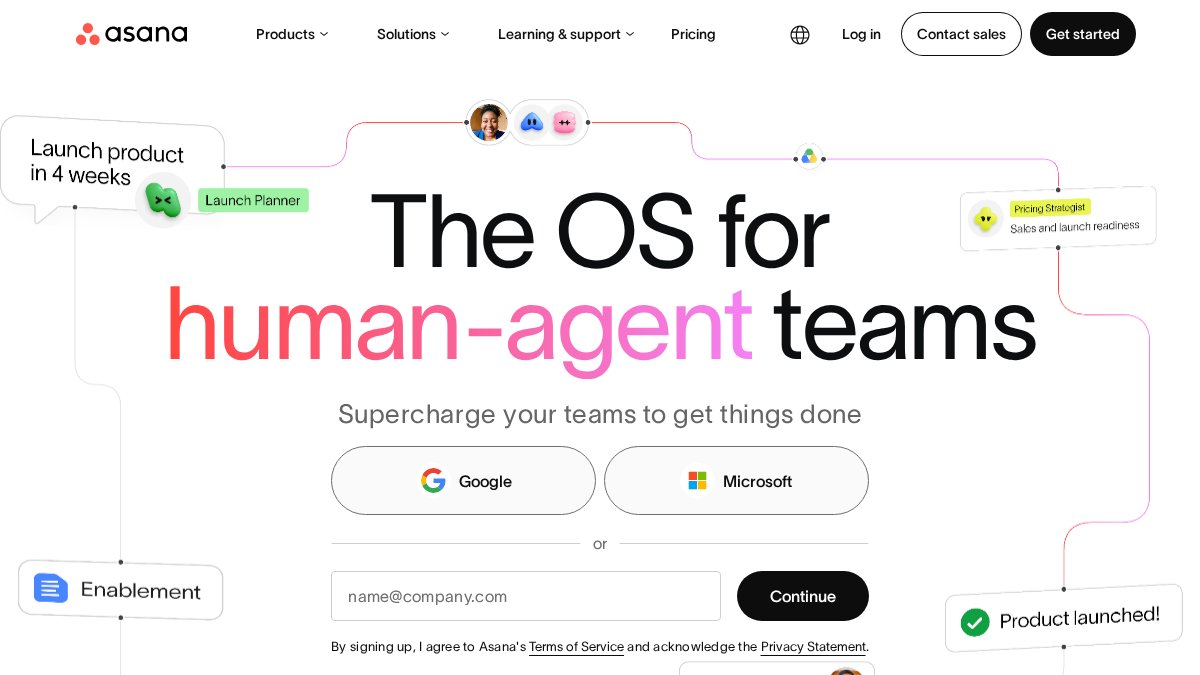
A common mistake is choosing one of these for personal administration and then discovering the repeat options live behind project structures you never wanted. If your recurring tasks are mostly personal, weigh that friction carefully.
Akiflow, Sunsama and OmniFocus: Calendar-First and Guided Planning
The trade-off is setup effort. These tools reward configuration, and a reader who admits they struggle to maintain systems may find that configuration becomes the reason they quit. Watch out: calendar-first apps can double-book recurring tasks if you connect more than one calendar and do not set a single source of truth.
Best Apps for Managing Recurring Tasks 2026 Free
Free options exist, but read the fine print on recurrence. A sensible approach is to start with a free task manager for simple daily and weekly tasks, then move to a paid plan only when your recurrence needs grow into bills, medication or shared lists.
For a free-first strategy, test one app for two weeks with your real recurring tasks, not sample ones. If the repeat schedule survives a missed task and a rescheduled one, it is worth keeping.
Best Apps for Managing Recurring Tasks 2026 iPhone and Android
Before committing to any app on this list, confirm four things on both iPhone and Android: that a native app exists on each platform (not just a mobile web view), that recurrence rules sync as rules rather than as pre-generated task copies, that reminders fire from the device you actually carry, and that the app behaves predictably when one device is offline for a stretch.
The mechanism to understand is how each app stores a recurring task. Some apps store the rule once and generate occurrences on the fly; others pre-create the next N occurrences as separate tasks. Rule-based storage syncs cleanly but can behave oddly if two devices edit the series at once. Pre-generated storage is simpler to sync but makes series edits clumsy, because changing the pattern means rewriting every pre-created copy. Neither model is wrong, but they fail differently, and the failure mode you can live with depends on whether you mostly edit series or mostly complete individual occurrences.
Time zones and daylight-saving changes deserve a specific check. A medication reminder set for 8:00 a.m. should fire at 8:00 a.m. local time whether you are home or traveling, and it should stay at 8:00 a.m. after a clock change rather than drifting to 7:00 or 9:00. Test this yourself by setting a repeat across a known clock-change date and watching what the app displays for the next occurrence. Most apps handle the common case; the differences show up in travel and in regions that observe daylight saving on different dates.
Offline behavior is the other quiet failure point. If you complete a recurring task while offline on your phone and then open the app on your laptop before the phone reconnects, does the completion merge, duplicate, or vanish? A sensible test is to put one device in airplane mode, complete a recurring task, then sync both devices and check whether the series advanced exactly once. Apps that handle this well usually surface a sync status or conflict notice; apps that handle it badly simply show two versions of the truth.
Accessibility and inclusive use belong in this section because they are device-level concerns that most roundups skip. Check text scaling and dynamic type support, color contrast in both light and dark modes, screen-reader labeling of repeat controls (a recurrence picker that a screen reader cannot describe is effectively unusable), and notification flexibility, can you set a persistent or escalating reminder, or only a single banner? For readers with cognitive or attention differences, the ability to snooze a recurring reminder without breaking the series, and to see a simple upcoming view rather than a dense project tree, matters more than any feature-list item.
Choosing a Task Management App for Personal Use
For personal use, choose the app whose repeat schedule matches your real obligations, not the one with the longest feature list. If your recurring tasks are mostly bills, renewals, medication and appointments, pick a tool built for life administration. If they are mostly work projects, a general task manager fits better.
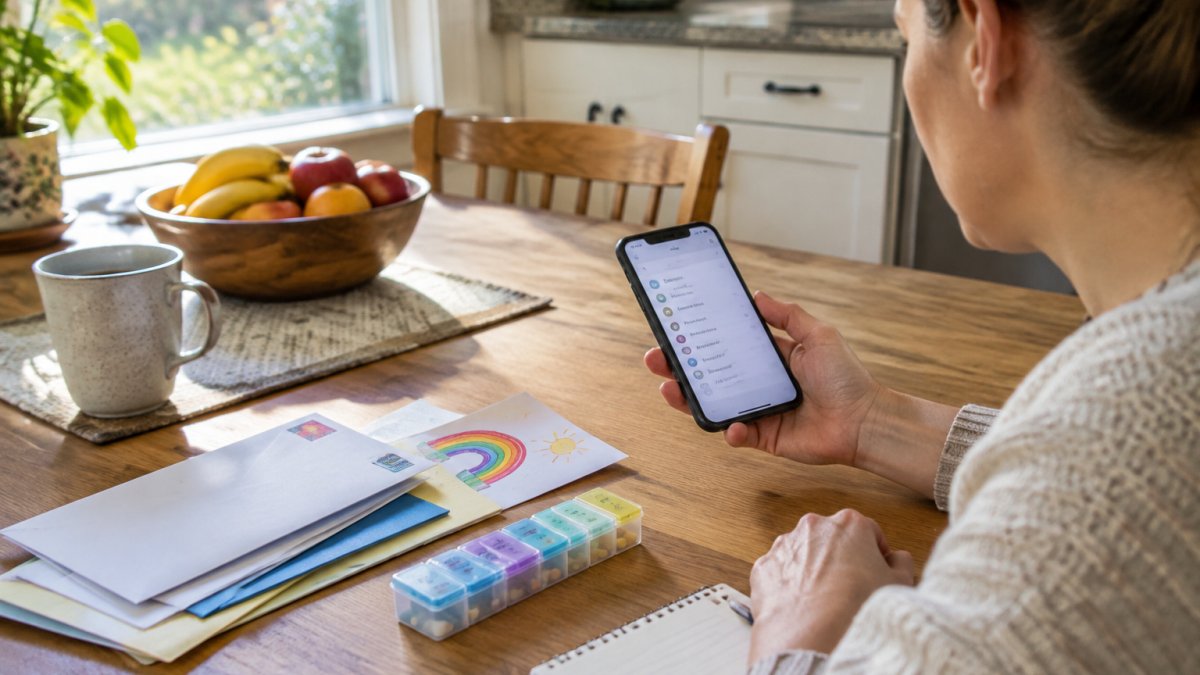
Ask three questions before you commit: Does it handle custom recurrence beyond daily and weekly? Do reminders survive a missed task? Can you export your data if you leave? That last one matters more than most buyers realize.
Recurring tasks only stay managed when the tool fits how you actually live. LifeKeep was built for exactly that load, consolidating your reminders, appointments, bills and subscriptions into one simple, unified interface so nothing repeats without you knowing. Track medication and birthdays alongside everyday responsibilities, and manage renewals before they charge you. Get started with LifeKeep and keep the tasks that matter most from slipping through.
Frequently Asked Questions
What is the best app for recurring tasks?
The right pick depends on what repeats. For household and health routines such as medication, bills and renewals, LifeKeep keeps everything in one place with a simple interface. Test any app for a week with three real recurring tasks before committing.
Which free app is best for managing recurring tasks?
Several task managers offer free tiers, but recurring-task limits vary widely and change between plans. Check three things before relying on a free plan: whether custom repeat intervals are included, whether reminders fire reliably on mobile, and whether your data can be exported later. Confirm the specifics on each vendor's pricing page.
Can task management apps handle daily, weekly and monthly tasks?
A repeat schedule is only useful if the next occurrence appears without manual resetting. Test a monthly bill reminder across two cycles before you trust an app with anything that carries a late fee.
Which recurring task app works on both iPhone and Android?
LifeKeep consolidates reminders, appointments, bills and subscriptions into one simple space. If you switch phones often, confirm how any app syncs and works offline before you migrate your lists.